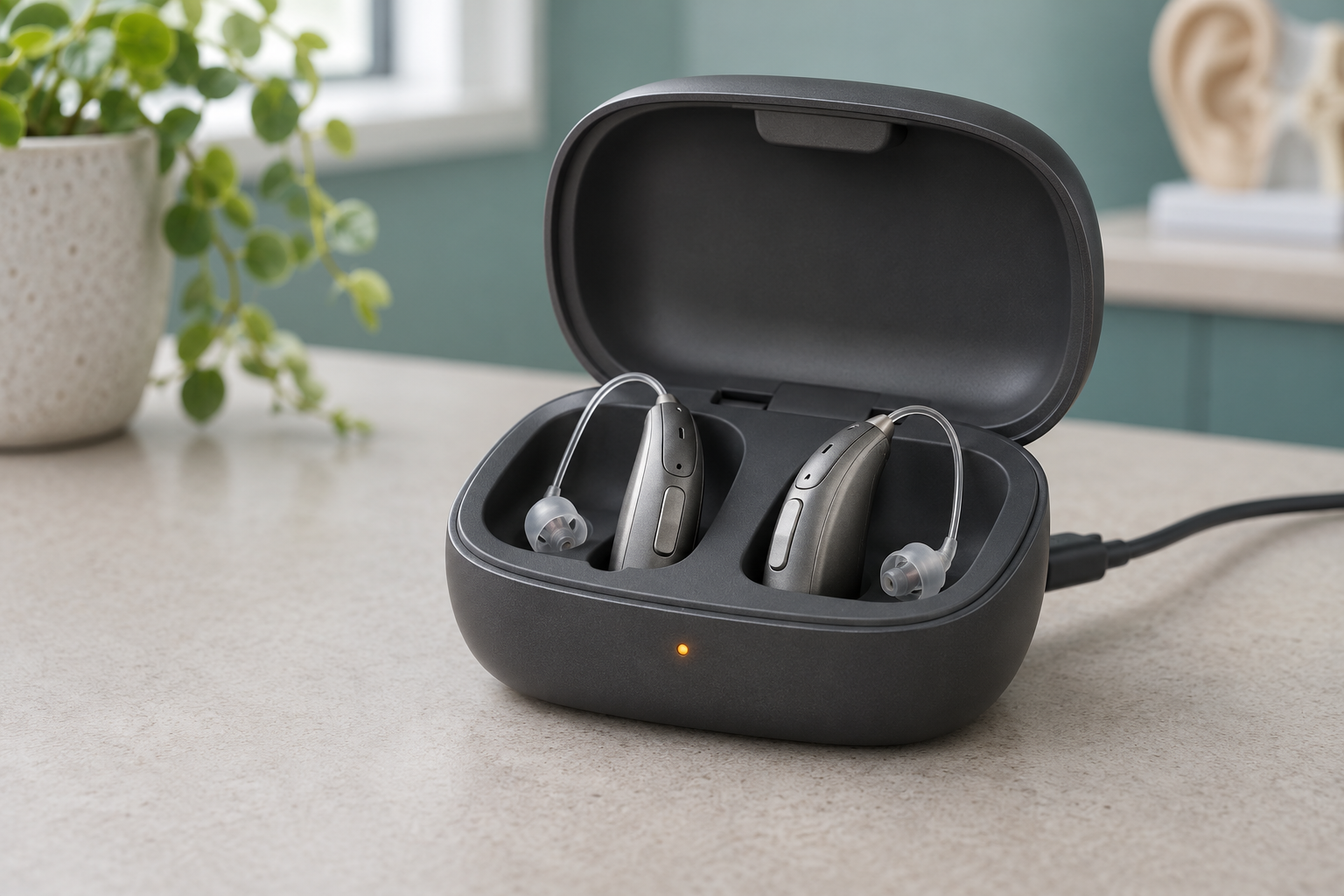
If your rechargeable hearing aid won’t charge, first check that the charger has power and that each hearing aid is seated in its correct slot. Make sure the devices and charger are clean and dry, then check the indicator light against your model’s manual. If one side still fails to charge or an error light keeps returning, have both hearing aids and the charger checked together.
Plug the charger into a working wall outlet using the power cable and adaptor approved for your model. Check that both ends of the cable are firmly connected. If you use a portable charging case, connect it to mains power. Its built-in battery may have run flat.
Lift each hearing aid out and place it back in its marked left or right slot. Make sure it sits fully in place without forcing it, then watch for the charging light. If both hearing aids stopped charging together, start with the shared power supply and charger. If only one side is affected, note whether that same side fails again after reseating.
Check the charging slots and any exposed contacts for visible debris. Follow your manufacturer’s cleaning instructions for the hearing aids and the charger. Keep water and cleaning fluids out of the charging slots, and make sure everything is dry before you try charging again.
If your hearing aids or charger have been in a hot car or a very cold room, move them to a dry indoor spot and let them return to room temperature. Some models pause charging when the hearing aids or charger are outside their operating temperature range.
Check whether the light is on the hearing aid or the charger. Note its colour and whether it’s steady or flashing. A flashing light can mean normal charging on one model and a temperature issue or fault on another. If the battery has run completely flat, follow the model’s instructions and allow the recommended charging time.
Check the power-on instructions for your model. Some hearing aids switch on when you remove them from the charger, and some models have a manual power control. If the hearing aid turns on but runs flat much earlier than usual, make a note of how long it lasts after a full charge. That detail helps your hearing care provider investigate the problem.
Arrange a device check if one hearing aid repeatedly fails to charge, an error light keeps returning, or the battery runs down much faster than usual after a confirmed full charge. Bring both hearing aids, the charger, the cable and the power adaptor so the complete setup can be checked. If the fault comes and goes, take a short video of the indicator lights when it happens.
If the charger casing is swollen or misshapen, stop using it immediately and contact your hearing care provider or the manufacturer.
The affected hearing aid may be sitting incorrectly in its slot. If reseating it doesn’t help, the issue could be with that charging slot or the hearing aid itself. Bring both devices and the charger so they can be checked together.
Use a charger the manufacturer lists as compatible with your exact hearing aid model. Check the manual or ask your hearing care provider before buying a replacement.
Start by checking the wall outlet, cable and adaptor. Then consult your manual to confirm when your model’s indicator light should come on. If the light stays off and neither hearing aid charges, have the charger and power supply checked.
Start with the power supply, the fit of each hearing aid in its slot and the indicator lights. If charging still fails, note which side is affected and bring the complete charging setup for assessment.
If your rechargeable hearing aid still won’t charge after these checks, book a device check with Smart Hearing Specialists at Kennington Village in Bendigo. Bring both hearing aids, the charger, the cable and the power adaptor so the team can check the full setup. Minor repairs can be handled in the clinic, and the team can arrange manufacturer servicing for more complex faults.